
Photos from the CCI Welcome Back events which took place January 7-12, 2026. To save the photos to your computer, click on the photo to open the full size image, then right click on the open image and select “Save image as”.
CONTINUE READINGAuthor: Michael Walsh
Welcome Back Spring 2026

iSchool Graduation Celebration Fall 2025

Photos from the iSchool Graduation Celebration which took place December 12, 2025. To save the photos to your computer, click on the photo to open the full size image, then right click on the open image and select “Save image as”.
CONTINUE READINGSCOM Graduation Celebration Fall 2025

Photos from the SCOM Graduation Celebration which took place December 12, 2025. To save the photos to your computer, click on the photo to open the full size image, then right click on the open image and select “Save image as”.
CONTINUE READINGDC Alumni Mixer

Photos from the CCI/IP DC Alumni Mixer which took place November 19, 2025. To save the photos to your computer, click on the photo to open the full size image, then right click on the open image and select “Save image as”.
CONTINUE READINGSCOM Research Conference 2025
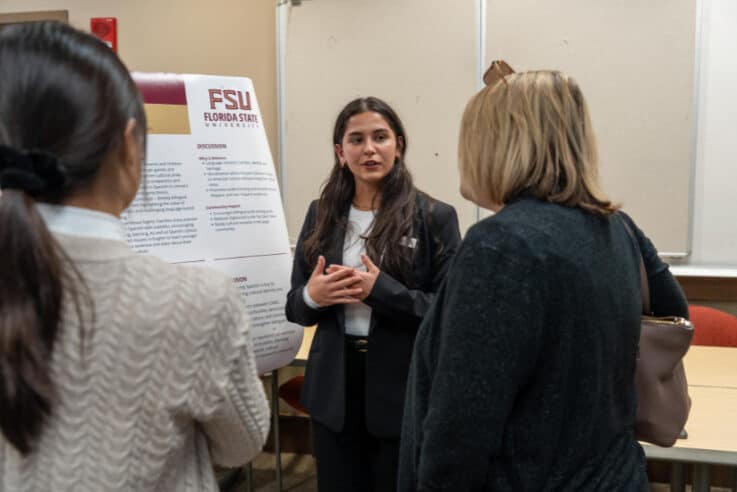
Photos from the SCOM Research Conference which took place November 7, 2025. To save the photos to your computer, click on the photo to open the full size image, then right click on the open image and select “Save image as”.
CONTINUE READING2025 CCI Research Summit

Photos from the CCI Research Summit which took place October 23, 2025. To save the photos to your computer, click on the photo to open the full size image, then right click on the open image and select “Save image as”.
CONTINUE READINGScholars & Stars 2025

Photos from the Scholars & Stars Reception which took place October 9, 2025. To save the photos to your computer, click on the photo to open the full size image, then right click on the open image and select “Save image as”.
CONTINUE READINGCCI BBQ 2025

Photos from the CCI BBQ which took place September 19, 2025. To save the photos to your computer, click on the photo to open the full size image, then right click on the open image and select “Save image as”.
CONTINUE READINGCCI Headshot Event Fall 2025

Photos from the CCI headshot event which took place September 17, 2025. To save the photos to your computer, click on the photo to open the full size image, then right click on the open image and select “Save image as”.
CONTINUE READINGCSD Fest 2025

Photos from CSD Fest which took place September 19, 2025. To save the photos to your computer, click on the photo to open the full size image, then right click on the open image and select “Save image as”.
CONTINUE READING